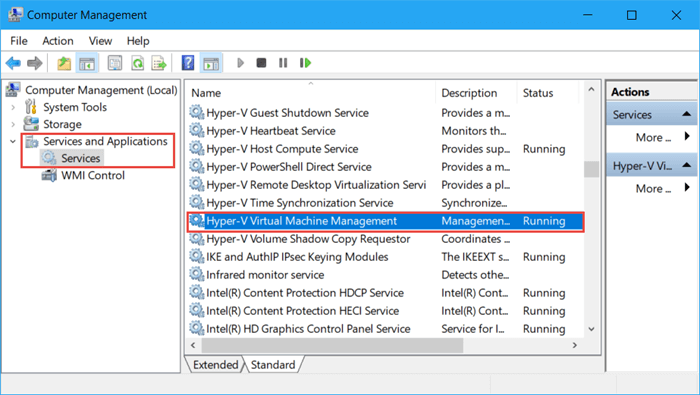
Hyper-V is a virtualization tool that lets you create virtual machines on your Windows 10 rig. It's pretty cool, but if you're not using it, you might as well turn it off to give your system a bit of a breath of fresh air. You can always enable it again if you need to, so don't worry about losing any functionality.
To disable Hyper-V, you'll need to head to the Control Panel and click on Programs and Features. From there, click on Turn Windows features on or off and scroll down to Hyper-V. Just uncheck the box and you're good to go!

