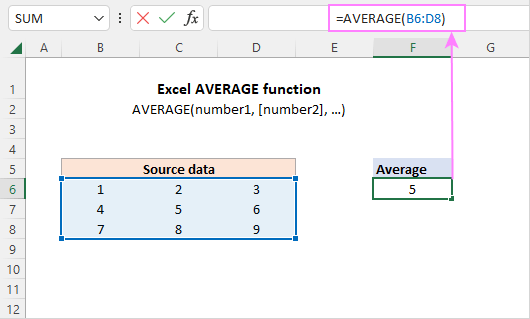
Averages are just the beginning. Once you master these, you can calculate running averages, conditional averages (using AVERAGEIF), or even moving averages for trends. The logic stays the same: ask Excel nicely, and it delivers.
Don’t be afraid to experiment. Click around, type random formulas, and see what happens. Excel won’t explode—it’ll just give you a helpful error message like #DIV/0!, meaning you forgot numbers. We’ve all been there.
So next time you open a spreadsheet, remember: averages aren’t math homework—they’re your co-pilot for making sense of the world. Go ahead, try it. Your coffee-spending habit will thank you.

