You know that little Σ (Sigma) button on the Home tab? Click the drop-down arrow next to it. You’ll see “Average” as an option.
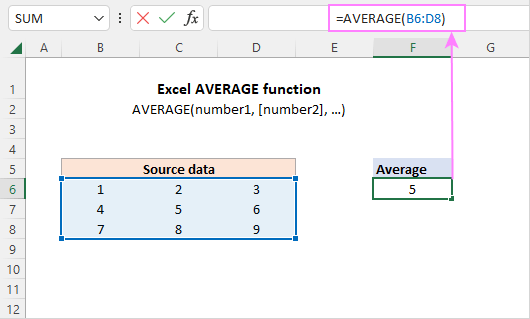
Highlight your numbers, click that Sigma button, and pick “Average.” Excel drops the formula in a cell below your data like a gift from the math gods.
This is my go-to when I’m rushing. Two clicks, one average, zero stress. I’ve used it to impress people in meetings. It works every time.

