
Go to Appearance → Menus in your WordPress dashboard. That’s your command center. You’ll see a list of pages, and a “Menu Structure” box on the right.
Here’s the trick: drag a menu item slightly to the right under another item. Like, literally a nudge. That nudge tells WordPress, “This is a child of the link above.” That’s it. You just made a drop down. (Yes, it’s that anti-climactic.)
If you want a third level—a sub-sub-menu—drag it even further right. Boom. You’re now a hierarchical genius.
The “Oops, It’s Not Showing” Trap
90% of the time, this works perfectly. But sometimes—because WordPress loves irony—your drop down might just look like a flat list. Don’t panic. You probably need a theme that supports drop downs. Check your theme’s CSS.
If you’re using a classic theme like Twenty Twenty-Four, you’re golden. If you’re using some “minimalist” theme from 2016, it might hate you. In that case, consider a plugin like Max Mega Menu or just switch themes. (Yes, I’m side-eyeing that old theme. You know the one.)
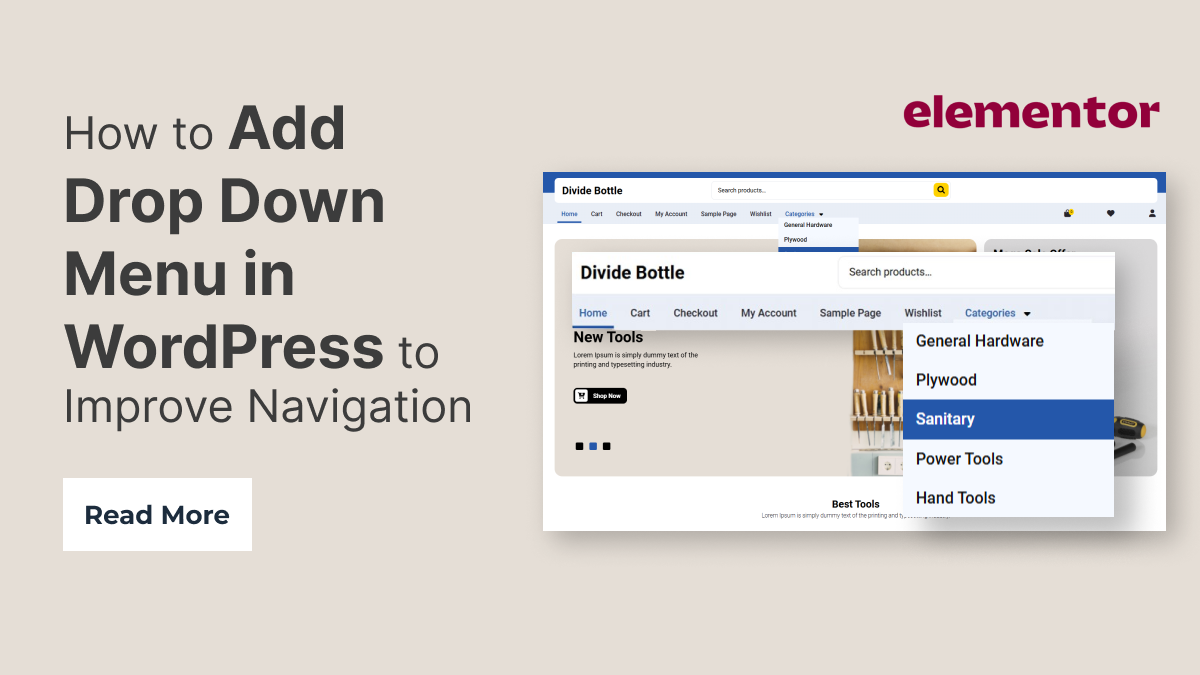 How to Add Drop Down Menu in WordPress to Improve Navigation

