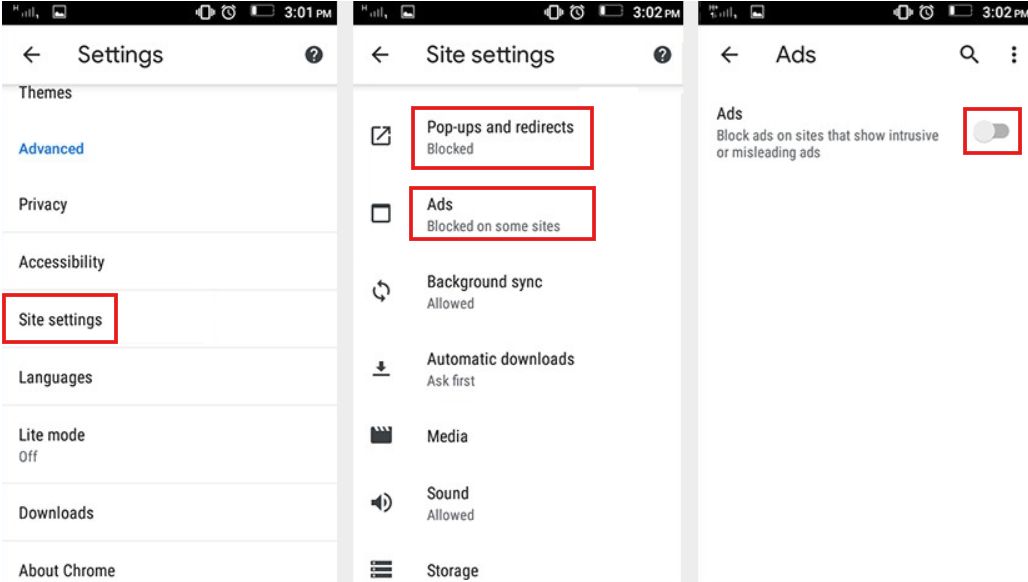
Open your phone’s Settings app. I know, it’s a maze in there, but trust me. Scroll down to Apps or Application Manager (the name depends on your phone’s mood today). Now, look for the app that’s causing the chaos. Hint: It’s often something you don’t remember installing, like a “Flashlight Pro” or “Battery Saver Ultimate 3000.” You know, the sketchy ones.
If you see an app with a generic name and a lot of permissions (like “Access your photos” for a calculator app), that’s your culprit. It’s like finding the one guest at a party who’s eating all the cake before anyone else arrives. Tap on it, and then hit Uninstall. Say goodbye, you digital nuisance.
But wait! Sometimes that “Uninstall” button is grayed out. Don’t panic. That means the app snuck itself in as a device admin—basically, it tied itself to your phone so you can’t just kick it out. Here’s the fix: Go back to Settings, search for “Device admin apps” or “Security & admin,” and uncheck the mystery app. Now you can uninstall it. Victory dance optional, but encouraged.
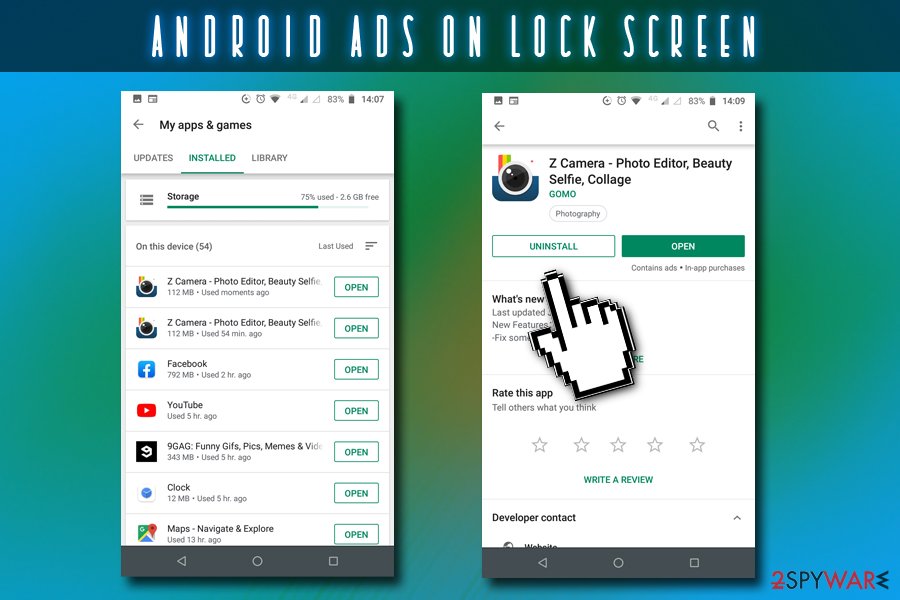 Android ads on lock screen termination guide

